How MyContactCode Works
One Code. Infinite Connections.
The smartest way to share your contact info—from your phone screen, email signature, marketing materials, or anywhere your brand lives.
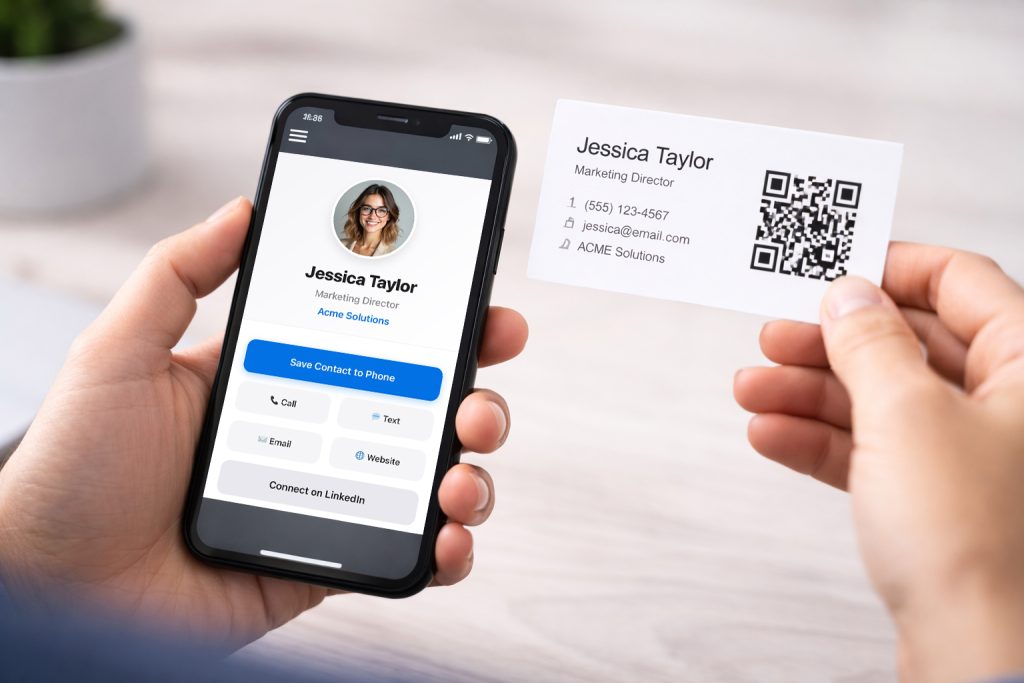
Scan & Connect
Whether it’s on your phone screen, a Zoom background, a printed flyer, or an email signature—clients simply scan your Smart Contact QR Code. Instantly, your full professional profile appears on their device.
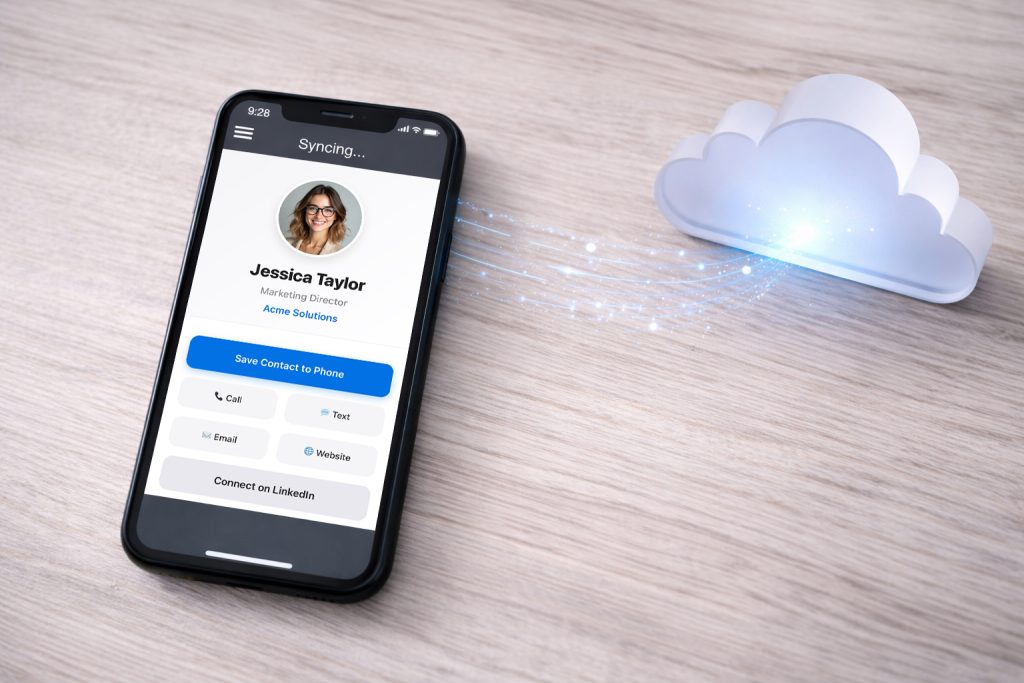
Always Live
Changed roles? New office number? Update your details in your private dashboard, and every code you’ve ever shared updates automatically. No re-printing, no dead links.
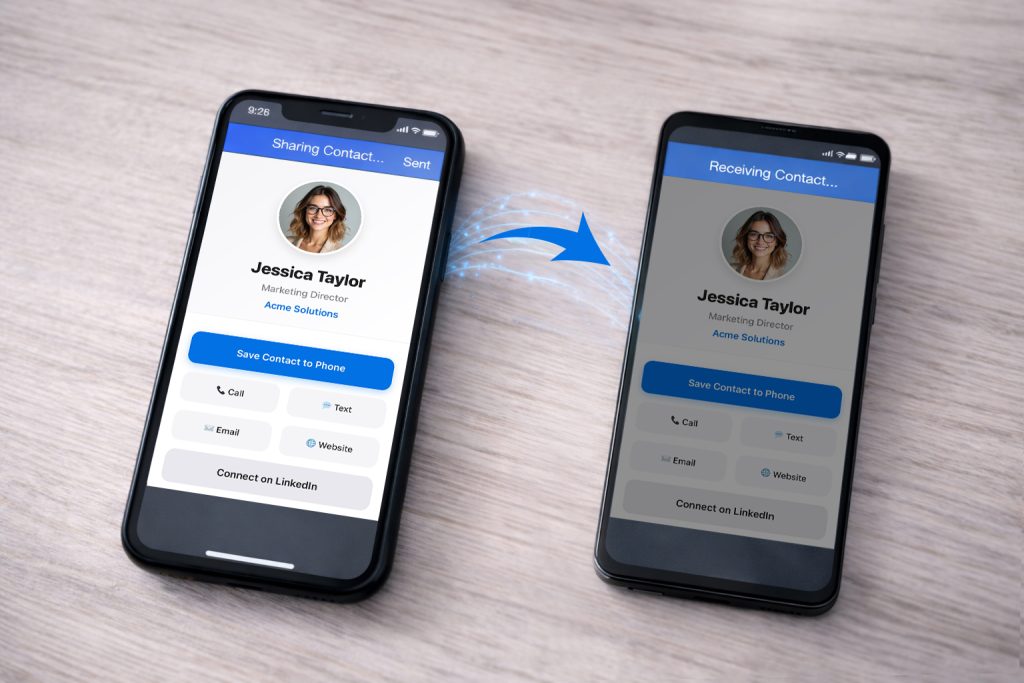
Instant Save
With one tap, your data flows directly into their iPhone, Android, or Outlook contacts. It works natively with the systems business professionals use every day—no app required.
Common Questions
What is a Smart Contact QR Code?
A Smart Contact QR Code links to your virtual business card. Have you ever shared your contact info or someone else’s info from your contacts app on your smart phone via text message with another person? The file you shared is a Virtual Card File (VCF). When someone scans your Smart Contact QR Code, they immediately pull up your Smart Card, and can then call, text, email you, visit your website, or instantly save your contact info to their phone.
Do I need to install an app?
Nope! No app is required. Your Smart Contact QR Code works directly in the web browser on any iPhone or Android device.
Can I update my info later?
Yes. You can log in to your dashboard at any time to update your phone number, email, or photo instantly.
How do people save my contact?
They simply scan your QR code or click your link, then tap the “Save Contact” button. It saves directly to their phone’s address book.
Real-Time Updates & Privacy
Your Smart Contact Code digital profile is always live. When you update your job title or phone number in your dashboard, your QR code and public link update instantly.
Note: Because your contact’s phone is a secure private device, we cannot remotely change a contact they have already saved. They simply need to scan your card again and update your contact info to get the latest version.
What does a typical MyContactCode card look like?
Every card is unique to you — your photo or logo, your name, title, and the contact buttons that matter most (call, text, email, website, social links). You can even customize the color of your SAVE CONTACT button to match your brand. When someone scans your QR code, they see a clean, mobile-optimized profile and can save your contact to their phone in one tap.
Want to see real ones before you decide? Check out some examples →
Can I attach documents or files to my live card?
Yes — with MyLiveDocs, an optional add-on available inside your dashboard. Upload up to three files (PDF, PNG, or JPG format) and name the buttons whatever makes sense — Menu, Rate Sheet, Portfolio, House Guide — and the links appear on your live card instantly. Update the file or files anytime. Your buttons and QR code never change. MyLiveDocs is $3.99/month and can be activated after you create your account.